
10 Useful Smartphone Tips You Should Know (Improve Your Daily Life)
Smartphones have become an essential part of our daily lives. However, many people only use basic features and miss out on useful tips that can improve productivity and convenience.
In this article, we will share 10 useful smartphone tips that can make your daily life easier and more efficient.
1. Use Dark Mode
Dark mode reduces eye strain and saves battery life.
👉 Especially useful at night or in low light.
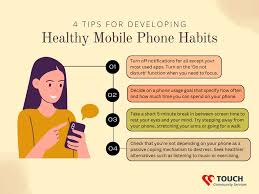
2. Manage Your Notifications
Too many notifications can be distracting.
👉 Turn off unnecessary notifications to stay focused.
3. Use App Lock for Privacy
Protect your personal apps like:
- Messages
- Photos
- Banking apps
👉 Use app lock or fingerprint security.
4. Clear Storage Regularly
Low storage can slow down your phone.
👉 Delete:
- Unused apps
- Old photos/videos
5. Use Cloud Backup
Backup your data to avoid losing important files.
👉 Use:
- Google Drive
- iCloud
6. Update Your Phone Software
Updates improve performance and security.
👉 Always keep your phone updated.
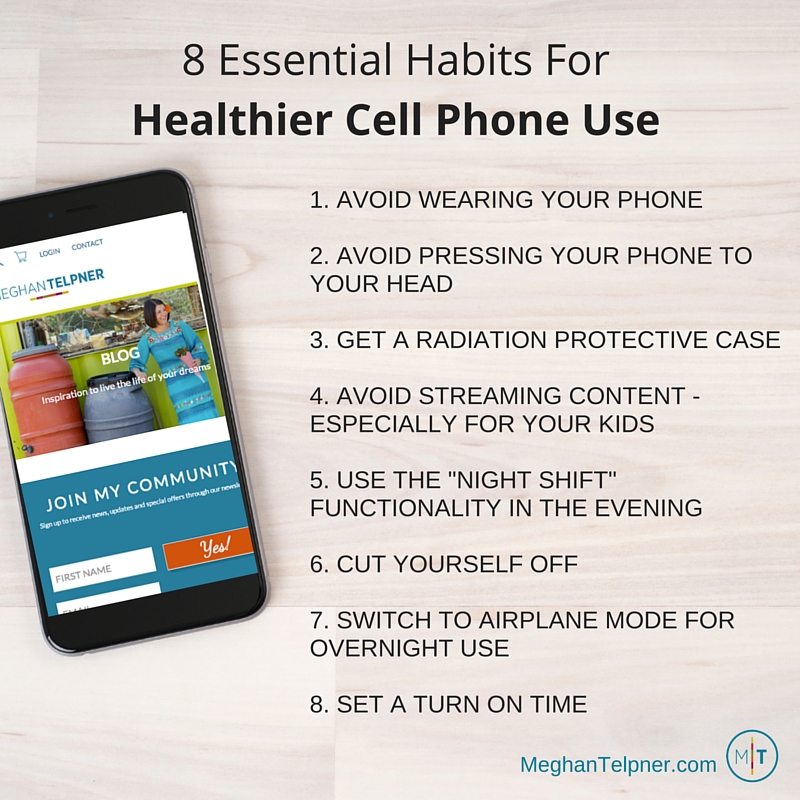
7. Use Battery Saver Mode
Battery saver helps extend battery life.
👉 Turn it on when battery is low.
8. Learn Keyboard Shortcuts
Using shortcuts can save time while typing.
👉 Example:
- Voice typing
- Auto-correct
9. Avoid Overcharging
Charging your phone overnight can reduce battery life.
👉 Try to keep battery between 20%–80%.
10. Install Only Useful Apps
Too many apps can slow your phone.
👉 Keep only what you really need.
🌟 Bonus Tips
- Restart your phone weekly
- Use antivirus apps
- Keep your screen clean
🧠 Conclusion
Using your smartphone smartly can improve your productivity and make your daily tasks easier. These simple tips can help you get the most out of your device.
Start applying them today and enjoy a better smartphone experience. 📱✨
⚠️ Disclaimer: This article is for educational purposes only. Features may vary depending on your device and operating system.
- Wang Yibo – Biography, Career, and Latest Activities (2025 Update)

- Best Skincare Routine for Beginners

- Top 5 Small Business Ideas for Beginners

- 7 Daily Habits That Will Change Your Life (Simple Self-Improvement Guide)

- 10 Useful Smartphone Tips You Should Know (Improve Your Daily Life)

- Causes, Treatments, and Effective Skincare Tips